HEICJPGPNGPDFHEIC
Formats
HEIC to JPG, PDF to Word, MOV to MP4, CSV to Excel. The flower only shows what fits the file.
Drag a file, tap ⇧, and a flower full of formats blooms right under your cursor. Let go, and the new file lands next to the original.
While you drag, tap a key. The flower stays open until you let go of the file. You choose which key opens what in Settings.
HEIC to JPG, PDF to Word, MOV to MP4, CSV to Excel. The flower only shows what fits the file.
Crop, add backgrounds, remove backgrounds, recognize text, split and merge PDFs.
AirDrop, shelf, copy path, open in Terminal or zip it up. For any file or folder.
Some tools work instantly. Others open a small window for when you want to take a look.
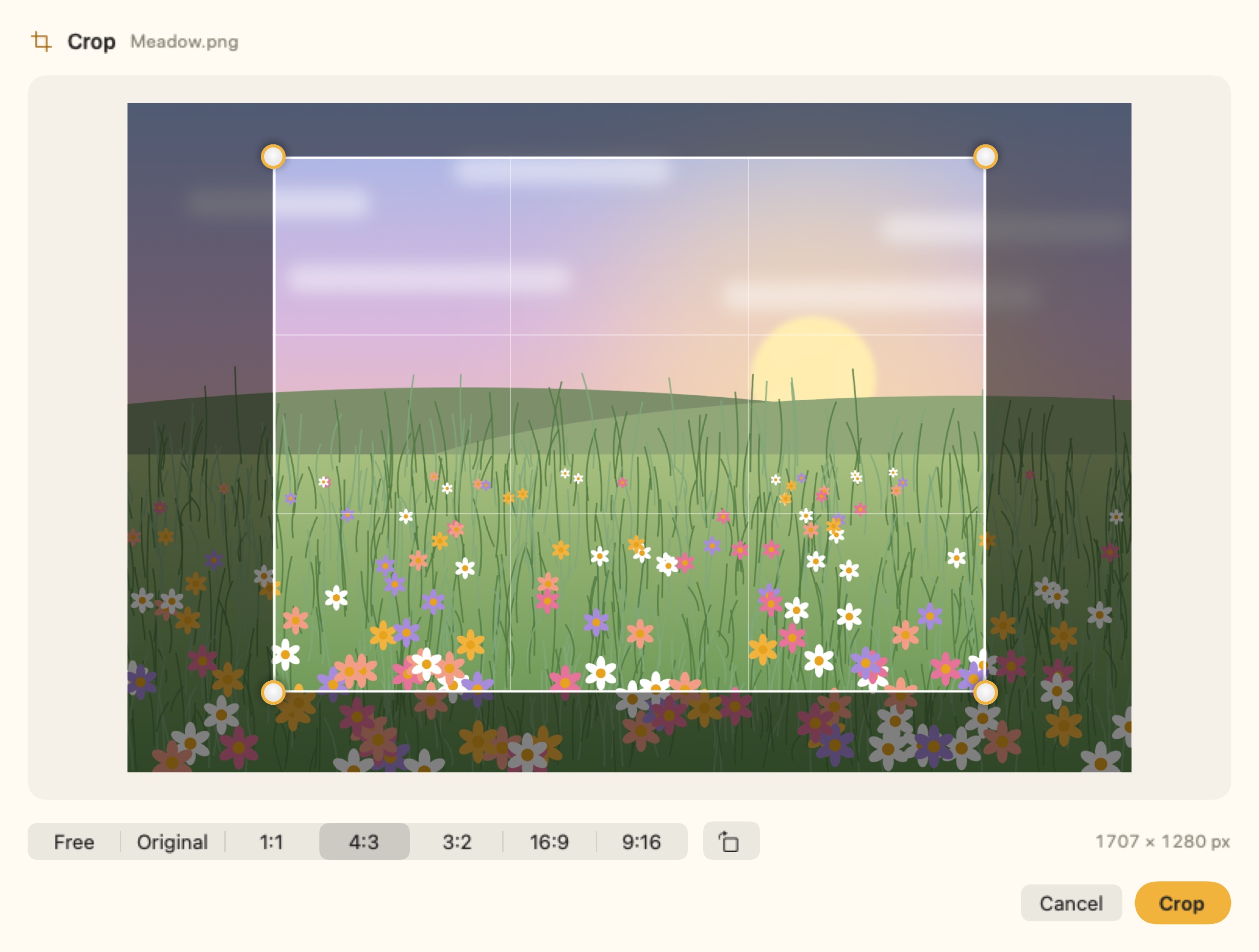
Drag an image, tap ⌘, choose Crop. Adjust the frame, pick a ratio, done. The original stays untouched.
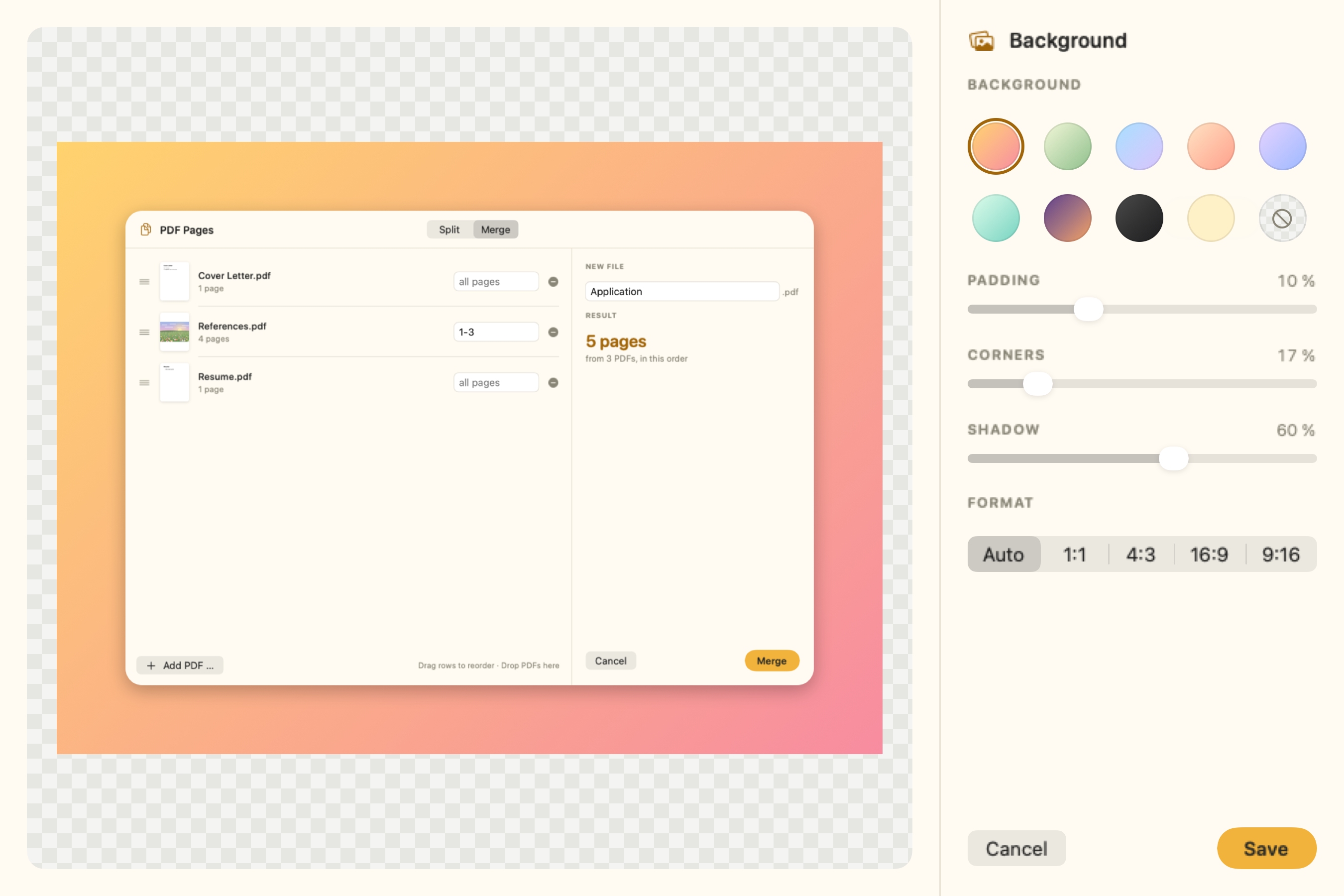
Place an image on a gradient or a color, round its corners and give it a soft shadow. The preview updates as you go.
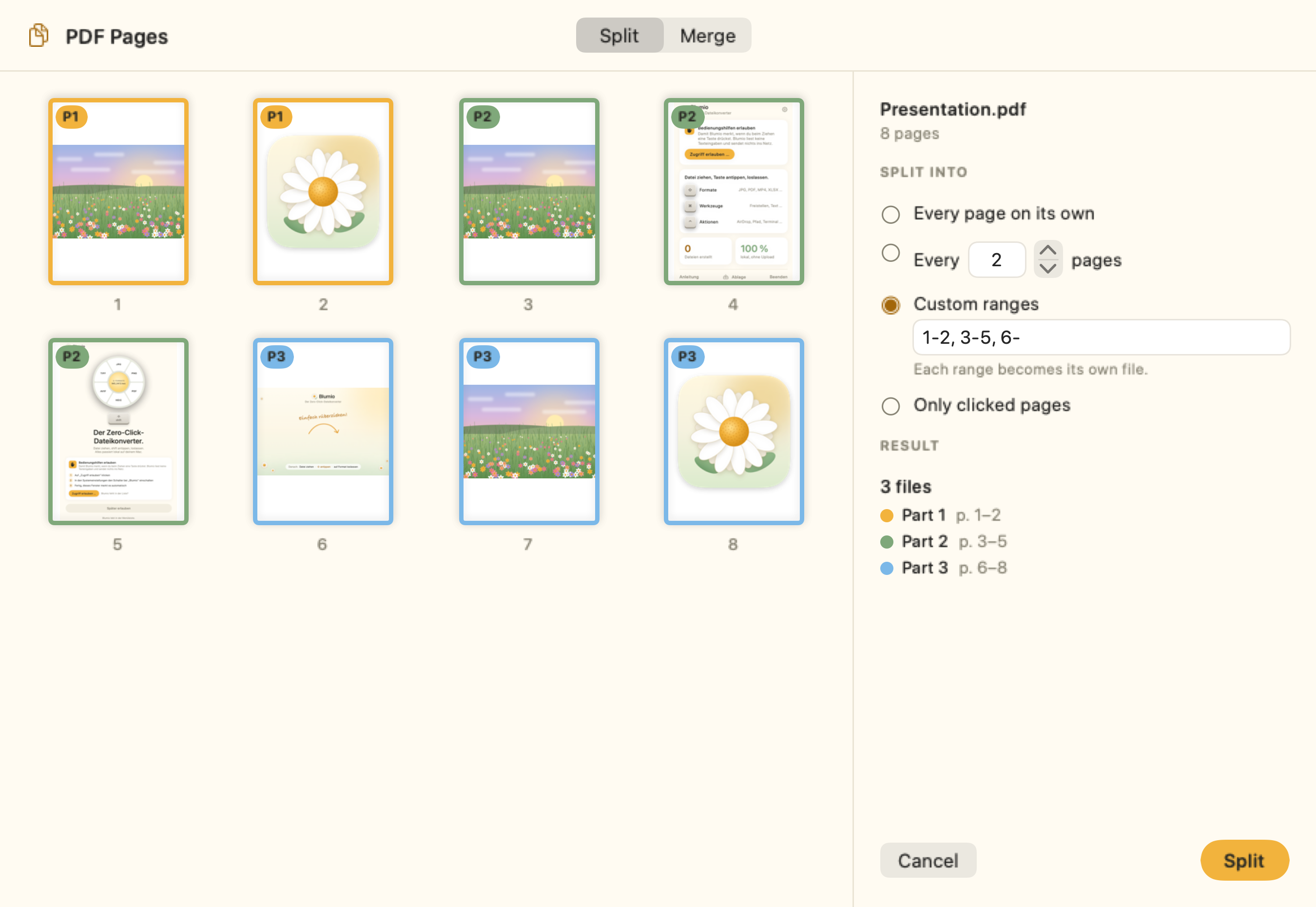
Every page, every two pages, or your own ranges like 1-2, 3-5, 6-. Colors show you up front which page goes into which file.
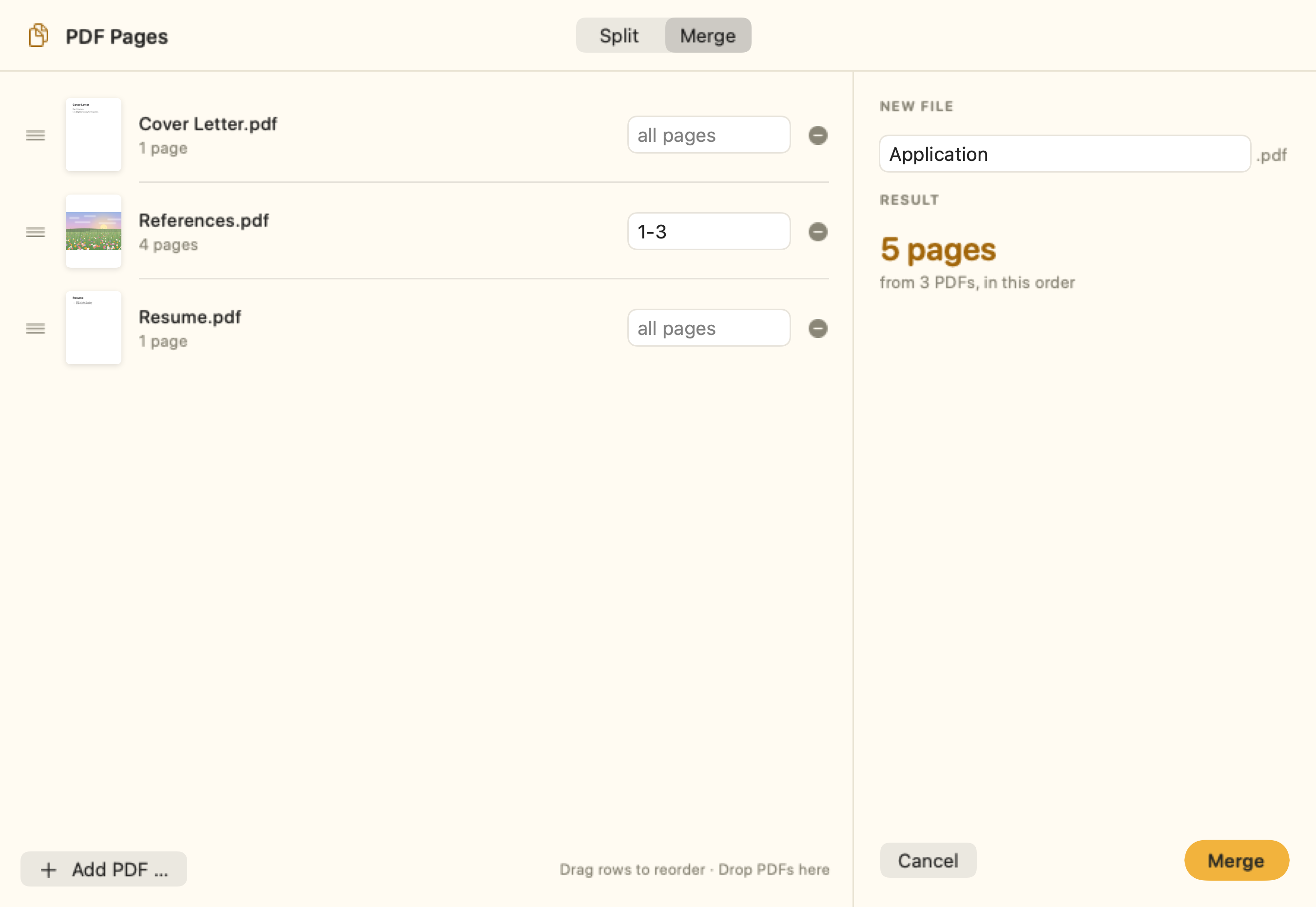
Drag the files into order, take only the pages you need from each, and name the result.
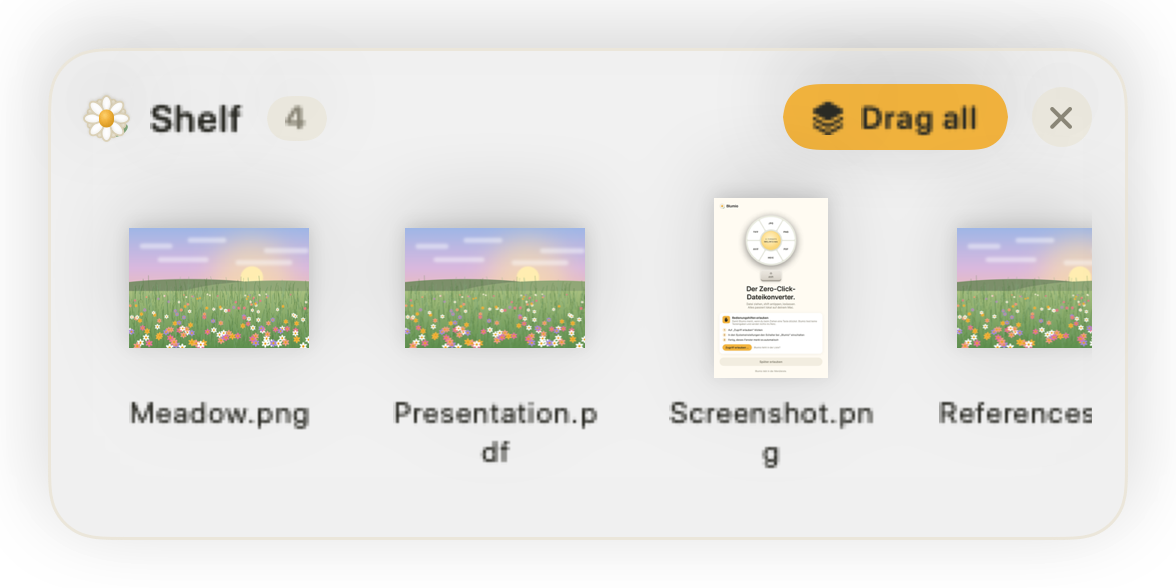
Park files on the shelf with ⌃ and drag them out later, one by one or all at once. Into Mail, a chat or another folder.
Remove Background lifts people, animals and objects off their background. Text recognition reads signs, scans and screenshots and copies the text to your clipboard. Your Mac does both on its own.
Also reads WebP, PSD and many more.
Scanned PDFs become readable through text recognition.
Plus HEVC or 720p compression, still frames and muting.
Also reads MP3 and AAC.
Also reads Markdown and DOC.
Handles semicolon CSV from European Excel.
Repack ZIP and TAR.GZ into each other.
For any file, no conversion needed.
Online converters want a copy of your file. Blumio doesn’t. Your Mac does all the work, even without internet.
Photos, contracts and scans never leave your Mac. Blumio only goes online to confirm your license.
No login, no email address, no monthly bill. You buy it once.
The app collects no usage data. This website sets no cookies and loads nothing from third parties.
No subscription, no account. Pay once and Blumio is yours.
For Macs with Apple silicon
No. Every conversion and tool runs on your Mac, including background removal and text recognition. Blumio works just the same on a plane. Online, it only confirms your license now and then; it never sends your files.
Macs with Apple silicon (M1 and later) running macOS 14 Sonoma or later.
While you drag a file, the mouse belongs to Finder. To notice that you tap ⇧, ⌘ or ⌃ anyway, Blumio needs this permission. It doesn’t read what you type and sends nothing anywhere.
They stay exactly as they are. New files land next to them or, if you prefer, always in one folder of your choice.
No, one tap is enough. If you prefer push-to-talk, switch to “Hold” in Settings. You can assign any of the keys freely.
Not yet. Blumio reads MP3 and WebP, but currently writes M4A, FLAC, WAV, AIFF and CAF, and JPG, PNG, HEIC, AVIF and more. MP3 and WebP export are planned.
No. You pay €19 once. All updates for version 1 are included.
The tool windows shown above already speak English. The menu and settings are in German for now; English follows in an update.
Your key works on up to 3 Macs at once. On a new Mac, just enter it again. If all 3 slots are taken, Blumio lists your Macs and you remove the old one with one click. Lost your key? Blumio sends it to your email again.
Yes. Blumio confirms your license quietly whenever your Mac is online. Only if it hasn’t been online for 60 days does Blumio ask you to connect once.